Geometry Vibes X Ball
 poki.org.es
Sign in to keep recently played games, favorites and your player profile available on this site.
Popular Games
Last Played
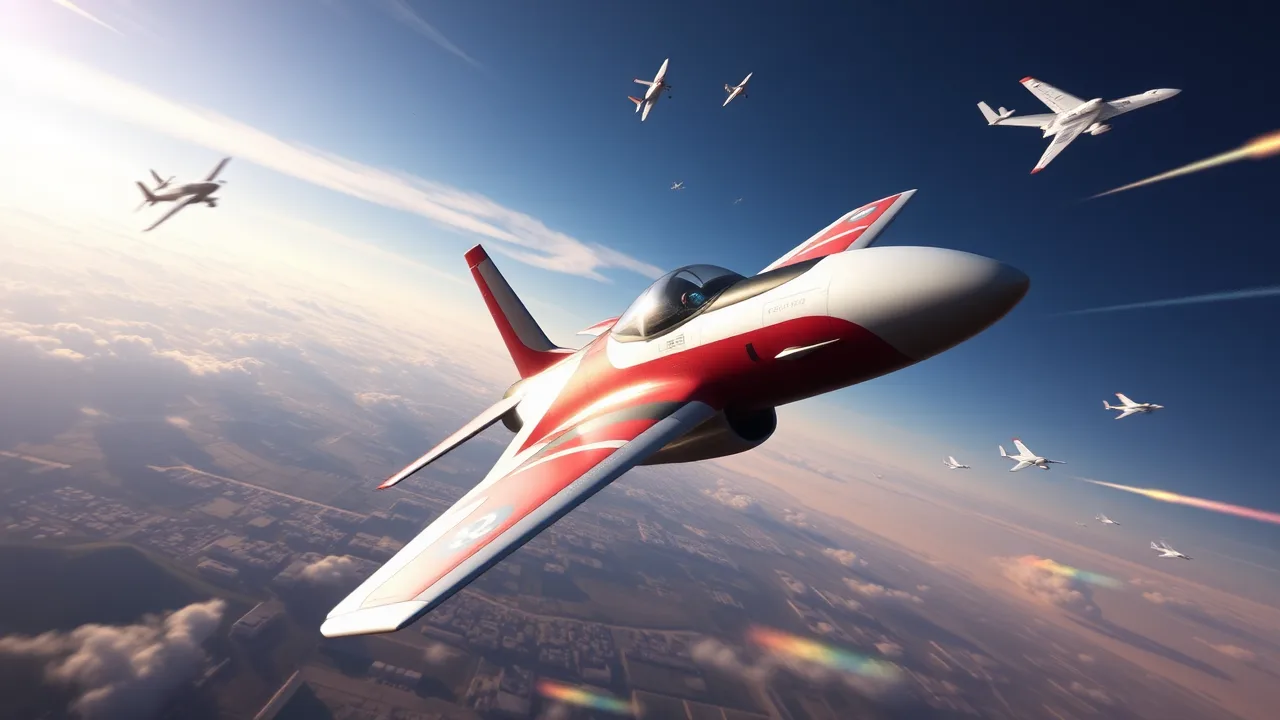
Air games offer a thrilling escape into the skies, blending high-speed action with the freedom of flight. Whether you're piloting a fighter jet through a dogfight or navigating a stunt plane through challenging courses, these browser-based experiences provide instant excitement. This guide explores what makes aerial combat and flight simulation so compelling and how you can dominate the skies in your favorite online titles.
The core appeal of air games lies in their unique combination of three-dimensional movement and strategic engagement. Unlike ground-based titles, you must constantly manage altitude, velocity, and orientation. Mastering these mechanics is the first step toward becoming an ace pilot. The sensation of outmaneuvering an opponent or nailing a difficult landing provides a rush that few other genres can match.
Most titles in this genre focus on two primary experiences: combat and precision flying. Combat-oriented games pit you against waves of enemies or other players, testing your reflexes and aim. Precision flying challenges you to navigate obstacle courses or perform complex maneuvers. Understanding which style you prefer will help you choose the right game from any extensive online game collection.
At the heart of every flight title is the physics engine. While some games opt for arcade-style controls that prioritize fun over realism, others lean into simulation. In arcade games, you might find that planes turn sharply and recover instantly from stalls. Simulations, on the other hand, require careful throttle management and respect for aerodynamics. Regardless of the style, the fundamental controls usually involve pitch (nose up/down), roll (banking left/right), and yaw (turning left/right). Learning to combine these inputs smoothly is essential for fluid movement.
Keyboard controls are standard for browser games, often using the WASD keys for movement and the mouse for aiming. Some titles allow for gamepad support, which can offer more nuanced control over throttle and flight surfaces. Experimenting with control schemes in the tutorial levels is highly recommended before jumping into competitive play.
When engaging in aerial combat, positioning is everything. The goal is often to get behind your opponent, known as being on their "six." This gives you a clear shot while making it difficult for them to return fire. Use vertical loops and barrel rolls to break an enemy's lock or to close the distance quickly. Energy management is also critical; trading altitude for speed allows for rapid acceleration, while climbing can help you escape a pursuer.
Leading your shots is a vital skill. Because targets are moving at high speeds, you cannot aim directly at them. Instead, you must aim where they will be when your projectile arrives. This requires predicting enemy movement patterns and adjusting your aim accordingly. Practice against AI opponents to get a feel for bullet travel time and drop.
| Feature | Details |
|---|---|
| Gameplay Style | Arcade flight, aerial combat, or precision maneuvering |
| Primary Controls | Keyboard (WASD/Arrows) and Mouse for aiming |
| Session Pace | Fast-paced and reflex-driven |
| Device Fit | Optimized for desktop browsers; some mobile support |
| Category Match | Action, Simulation, and Arcade genres |
Once you have the basics down, it is time to learn advanced techniques. The Immelmann turn is a classic maneuver used to reverse direction quickly while maintaining energy. To perform it, pull up into a half-loop and then roll your aircraft 180 degrees to level out. This allows you to turn 180 degrees and gain altitude simultaneously, putting you in a position to counter-attack.
Another essential technique is the split-S. This is the opposite of the Immelmann. You roll your aircraft upside down and pull back on the stick, diving into a half-loop. This converts altitude into airspeed, allowing for a rapid escape or a high-speed pass. Mastering these moves will give you a significant advantage in competitive matches.
Many air games feature a roster of different aircraft, each with unique stats. Fighters are fast and agile but have lower health. Bombers are slower and less maneuverable but can deal massive damage. Interceptors are designed for speed and are excellent for chasing down opponents. When selecting a plane, consider your preferred role in a team. If you enjoy being on the front lines, a fighter is a good choice. If you prefer support, a bomber might be more suitable.
Upgrading your aircraft is another key aspect of progression. Earning experience points allows you to unlock better engines, weapons, and defensive systems. Prioritize upgrades that complement your playstyle. For example, if you rely on speed, invest in engine upgrades. If you prefer a balanced approach, spread your points across multiple categories.
Since most air games run in a web browser, performance optimization is crucial. Ensure your browser is up to date and consider closing unnecessary tabs to free up memory. Hardware acceleration can also improve frame rates, making the gameplay smoother. If you experience lag, try lowering the graphics settings in the game menu. A stable internet connection is also vital for online multiplayer games, as high ping can make aiming and maneuvering difficult.
Using a wired connection instead of Wi-Fi can reduce latency. If you are playing on a laptop, make sure it is plugged in to ensure maximum performance. Some browsers also offer performance modes that prioritize the active tab, which can help maintain a consistent frame rate.
With so many options available, finding the perfect air game can be overwhelming. Start by deciding what you enjoy most: intense dogfights, relaxing scenic flights, or challenging obstacle courses. Many platforms offer a wide variety of free online games, allowing you to try different styles without commitment. Reading reviews and watching gameplay videos can also help you narrow down your choices.
Don't be afraid to experiment with different sub-genres. You might find that you enjoy a mix of combat and simulation. The best way to find your favorite is to jump in and start playing. Many games have active communities that can provide tips and strategies to help you improve.
What are the best controls for air games?
Most browser-based air games use the WASD keys for movement and the mouse for aiming. Some games also support arrow keys and gamepads. Check the game's settings or tutorial to see which control scheme is available. Using a mouse generally offers more precision for aiming in combat scenarios.
Can I play air games on my mobile device?
While many air games are designed for desktop browsers, some are optimized for mobile play. Touch controls can be tricky for fast-paced flight, but some developers have created intuitive interfaces for mobile users. Look for titles that specifically mention mobile compatibility or responsive design.
How do I improve my aim in aerial combat?
Improving your aim requires practice and patience. Start by playing against AI opponents on an easier difficulty setting. Focus on leading your shots and predicting enemy movement. Adjusting your mouse sensitivity can also help you make finer adjustments. Watching experienced players can provide valuable insights into aiming techniques.
Are there multiplayer air games available?
Yes, many air games feature multiplayer modes where you can compete against other players online. These modes often include team-based battles, free-for-all dogfights, and cooperative missions. Playing with others adds a new layer of challenge and excitement to the game.
What should I do if the game is running slowly?
If you experience lag or low frame rates, try closing other browser tabs and applications. Lowering the graphics settings in the game menu can also help. Ensure your browser is updated and consider using a wired internet connection for more stable performance. Clearing your browser's cache can sometimes resolve performance issues as well.